
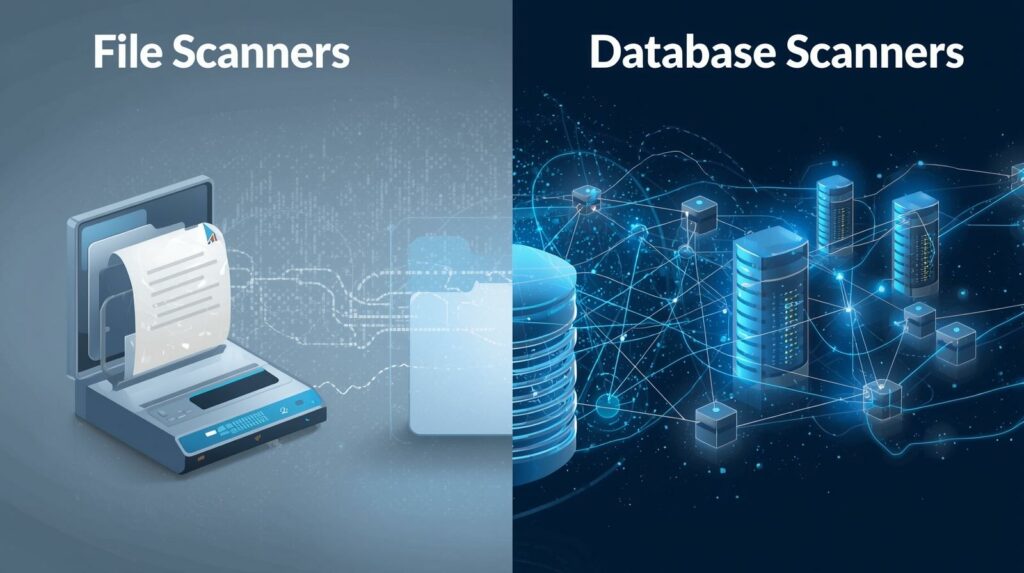
File Scanners vs. Database Scanners: What’s the Difference? 🛡️
When securing a WordPress site, you might be familiar with traditional security plugins like Wordfence or Sucuri. These tools are indispensable, but they primarily focus on one aspect of security: the file system. The modern threat landscape demands coverage for the other major vector: the database.
Understanding the fundamental difference between File Scanners and Database Scanners is crucial to achieving total site integrity.
The File Scanner (The Gatekeeper) 📂
File scanners treat your site as a collection of executable code files. Their primary goal is to ensure that no malicious code has been secretly injected into your PHP, JavaScript, or template files.
| Feature | Description | Limitation |
| Primary Target | PHP files, core WordPress files, theme files, plugin files (in the file system). | Ignores all dynamic content and configuration data stored in the database. |
| Detection Method | Checksums (verifying file integrity against a clean version) and Signature Matching (finding known patterns of malware code). | Cannot detect encoded text or complex data structures unless they are within a file. |
| Goal | Detect file-based malware and backdoors that live in code. | Blind to data-based spam and injections hidden in content fields. |
| Analogy | A security guard checking if the doors and windows of a building (your files) have been broken or replaced. |
In short: If a file scanner finds a clean version of your theme’s footer.php, it reports “Safe,” even if the theme’s global settings (stored in the database) contain a malicious redirect script.
The Database Scanner (The Content Auditor) 🗄️
Database scanners, like Content Guard Pro, ignore the files and focus entirely on the dynamic data stored in your database tables. Their goal is to audit every non-executable field for malicious payloads disguised as content.
| Feature | Description | Strength |
| Primary Target | wp_options, wp_postmeta, wp_posts (content, widgets, config fields). |
Directly targets the source of SEO spam and hidden redirects. |
| Detection Method | Contextual Parsing (decoding serialized arrays and JSON), Obfuscation Analysis (finding hidden code within encoded strings), and Behavioral Signatures (patterns typical of cloaked spam). | Designed to find malicious data that is fragmented, encoded, or stored in complex formats. |
| Goal | Detect data-based injections (SEO spam, hidden links, redirects) and backdoors. | Provides integrity for all dynamic content edited via the WordPress admin. |
| Analogy | An auditor checking the account ledgers (your data) for fraudulent entries and hidden transactions. |
Conclusion: You Need Both
In the modern security landscape, relying on just one type of scanner leaves a critical vulnerability. File Scanners protect your code base, while Database Scanners protect your content and configuration.
For comprehensive security, you must use a powerful file-based solution alongside a specialized database scanner like Content Guard Pro to ensure both your site’s files and its dynamic content are clean.