
Built for WordPress Professionals Who Can't Afford to Miss Database-Layer Threats.
Content Guard Pro catches the SEO spam, hidden scripts, and malicious injections that file scanners miss—where attackers actually hide them: your database.
Stop losing billable hours to manual spam hunting.
You’ve been there—grep-ing through database exports, hunting for hidden iframes one wp_posts row at a time. Content Guard Pro automates the tedious parts of database security so you can focus on higher-value work and bill for expertise, not hours spent searching.
Client Onboarding Audits
Problem:
New client, unknown history. You need to assess database health quickly before taking responsibility for the site.
How CGP Solves It:
Run a Standard Scan covering posts, postmeta, and widget options. Get a severity-ranked findings list you can review in minutes, not hours.
Features Used:
Standard Scan, Severity tiers (Critical/Suspicious/Review), Confidence scoring.
Retainer Justification
Problem:
Clients question why they pay you monthly. “Nothing’s broken” feels like weak value.
How CGP Solves It:
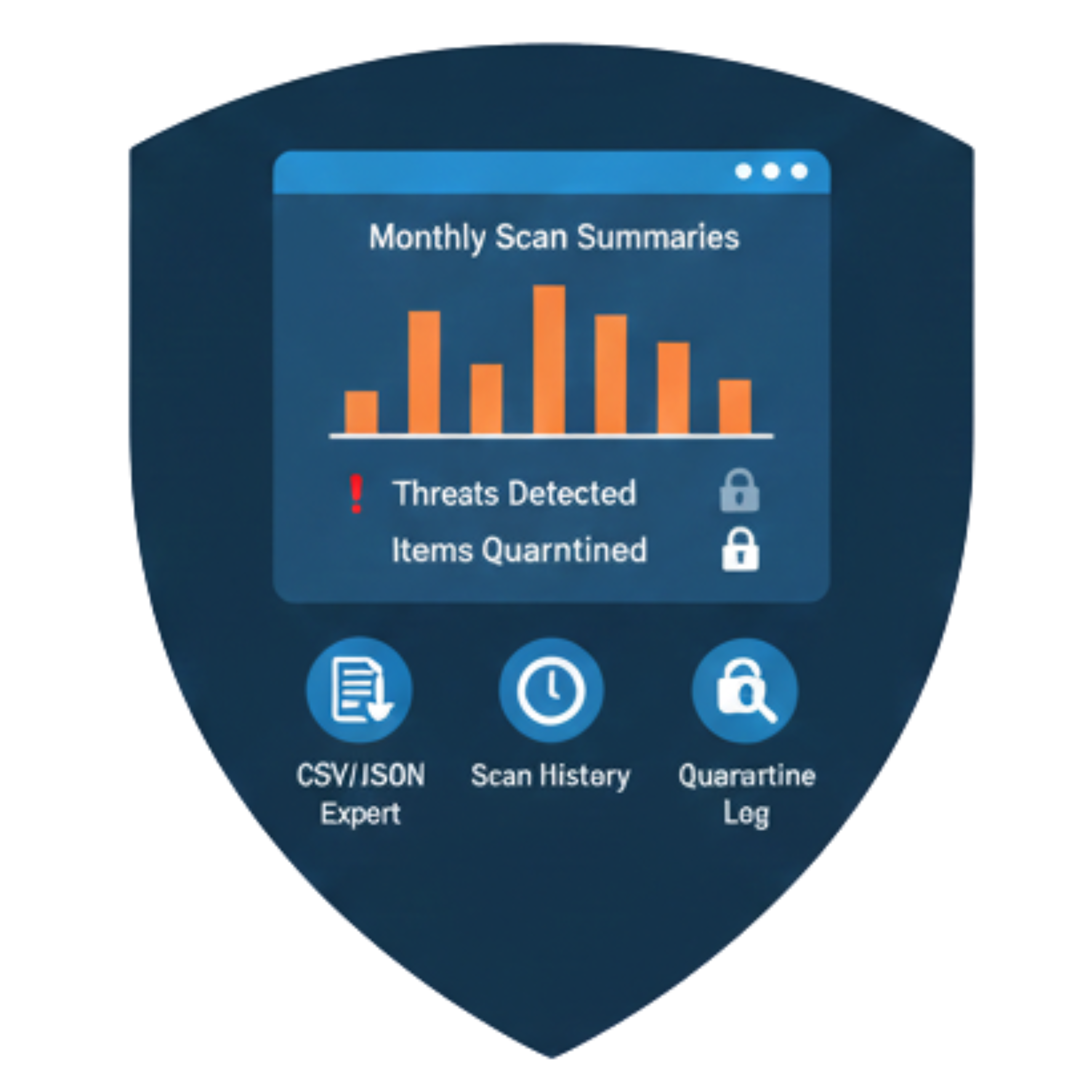
Share monthly scan summaries showing continuous monitoring, threats detected, and items quarantined. Demonstrate proactive protection, not just reactive fixes.
Features Used:
CSV/JSON export, Scan history, Quarantine log.
High-Value Client Monitoring
Problem:
Your biggest client’s e-commerce site can’t afford SEO penalties. You need to know immediately if something’s wrong.
How CGP Solves It:
Set up email alerts for Critical findings and daily digests for Suspicious items. Catch problems before they impact revenue.
Features Used:
Email alerts (immediate + digest), Admin notices, Dashboard widget.
Time Savings
Problem:
Manual database audits take 2-4 hours per site. That’s unbillable time eating your margins.
How CGP Solves It:
Automated scanning runs in the background. Review only what’s flagged, not every row in the database. Typical review time: 15-30 minutes per site.
Features Used:
Background scanning via Action Scheduler, Deduped findings (fingerprints prevent repeat alerts).
Trusted by Freelancer / Consultant
SecurePress Solutions
"We had three file scanners running, yet Content Guard Pro immediately flagged toxic links hidden deep in postmeta that had been hurting our client's SEO for months. It solved a mystery we couldn't touch."

"The non-destructive quarantine feature is a game-changer. We can neutralize threats without risking site downtime or accidental data loss. It gives us true control, not just deletion."

"Before Content Guard Pro, database spam meant a panicked, multi-hour cleanup. Now, we run a scheduled scan, send a clean report to the client, and justify our retainer easily. Total confidence boost."

Database-layer security for WordPress infrastructure teams.
Your WordPress sites support critical business operations. File-based security isn’t enough when attackers target content stored in your database—posts, metadata, widget settings. Content Guard Pro provides the visibility, audit trails, and integration capabilities your team requires.
Compliance & Audit Trails
Problem:
Security audits require documentation of what was scanned, when, and what was found. Manual logs don’t cut it.
How CGP Solves It:
Every scan generates timestamped records. Findings include first/last seen dates, fingerprints for tracking, and full remediation history. Configurable retention (30/90/365 days).
Features Used:
Scan history, Finding fingerprints, Configurable retention, CSV/JSON export.
Integration with Existing Tools
Problem:
Another standalone dashboard isn’t ideal. You need data accessible to your existing monitoring workflows.
How CGP Solves It:
REST API provides read-only access to findings with pagination and Application Password authentication. Pull finding data into your existing dashboards or scripts.
Features Used:
REST API (paginated, authenticated), JSON export.
Large Content Databases
Problem:
Sites with hundreds of thousands of posts. Standard plugins choke or timeout.
How CGP Solves It:
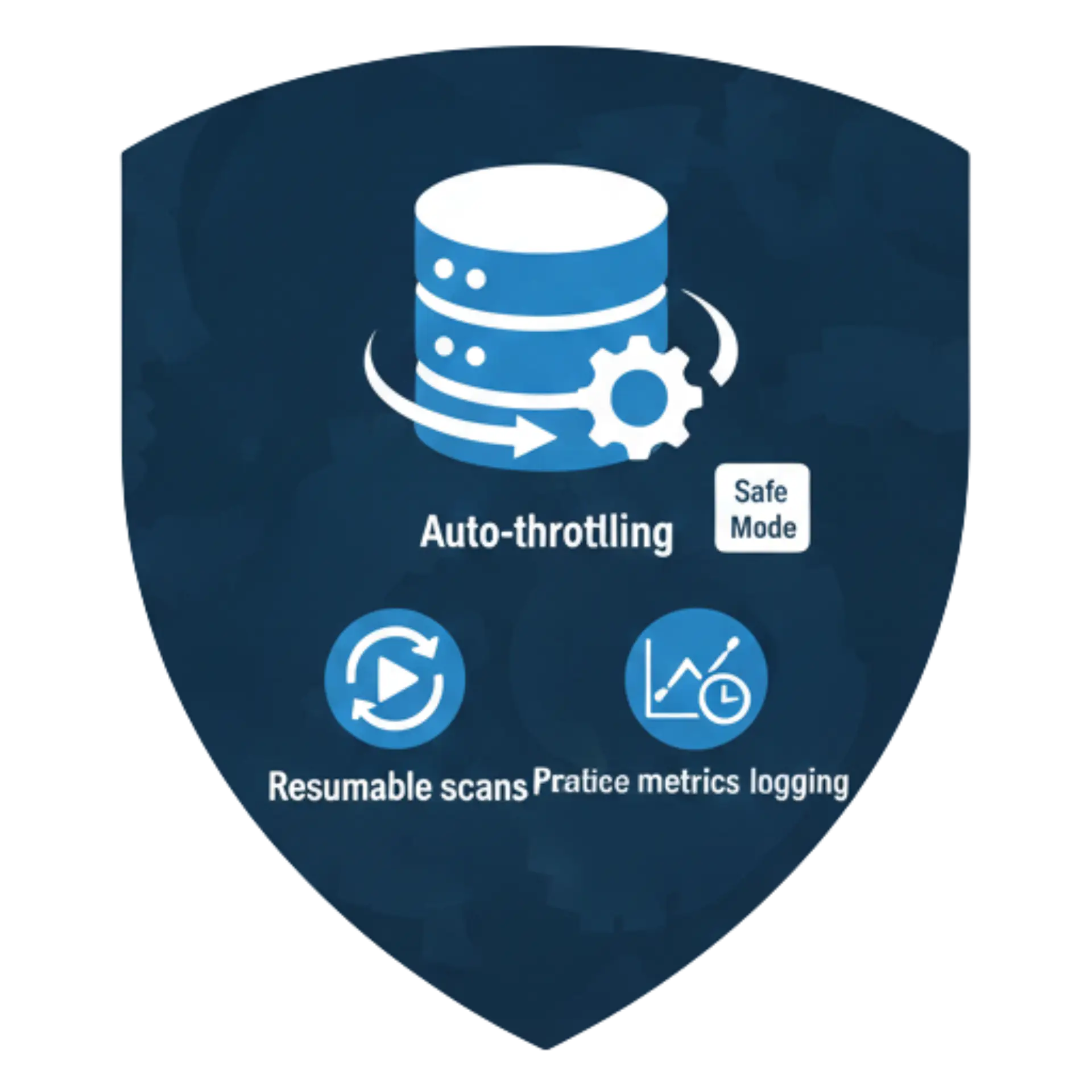
Auto-throttling adjusts batch sizes and delays based on server load. Safe Mode engages automatically on large databases (>2M rows or >2-5GB). Scans are resumable after interruptions.
Features Used:
Auto-throttling, Safe Mode, Resumable scans, Performance metrics logging.
Developer-Friendly Architecture
Problem:
Your team needs to extend and troubleshoot, not just configure. Undocumented plugins create maintenance debt.
How CGP Solves It:
Documented hooks for custom integrations. Pattern testing tool for validating detection rules against sample content. Diagnostics bundle for troubleshooting. Verbose logging toggle.
Features Used:
Pattern testing tool, Diagnostics export (“Copy diagnostics”), Verbose logging, Documented filters.
Trusted by in-house team lead or developer
SecurePress Solutions
"We had three file scanners running, yet Content Guard Pro immediately flagged toxic links hidden deep in postmeta that had been hurting our client's SEO for months. It solved a mystery we couldn't touch."
"The non-destructive quarantine feature is a game-changer. We can neutralize threats without risking site downtime or accidental data loss. It gives us true control, not just deletion."
"Before Content Guard Pro, database spam meant a panicked, multi-hour cleanup. Now, we run a scheduled scan, send a clean report to the client, and justify our retainer easily. Total confidence boost."

Per-site database security that fits your workflow.
You’re responsible for client sites, but you already have your agency’s tools and processes. Content Guard Pro doesn’t force you into another dashboard—it provides per-site scanning with webhook alerts, REST API access, and exportable reports that integrate with how you already work.
Alert Integration
Problem:
You need to know when something’s wrong on a client site without logging into every dashboard daily.
How CGP Solves It:
Configure a webhook URL to receive POST notifications on Critical findings. Payload includes site URL, finding severity, confidence score, matched rule, and direct link to review. Pair with Slack, PagerDuty, Zapier, or your custom tooling.
Features Used:
Webhook (POST on Critical), HMAC-SHA256 signature option, Exponential retry (up to 5 attempts).
Client Reporting
Problem:
Clients ask “what did you check?” after audits. Manual documentation eats hours you can’t bill.
How CGP Solves It:
Export scan results as CSV or JSON, filtered by date range, severity, or status. Use the printable Scan Summary for client-ready documentation. Each finding includes matched rule, location, and remediation guidance.
Features Used:
CSV/JSON export with filters, Printable Scan Summary, Finding details with remediation steps.
Emergency Response
Problem:
A client calls: “Google says my site has spam.” You need to find it and neutralize it fast.
How CGP Solves It:
Run Quick Scan for immediate triage (~100 posts in 30-60 seconds on shared hosting). Quarantine threats without altering database content—neutralizes on render while you investigate. Document exact infection location (table/row/field) for the incident report.
Features Used:
Quick Scan mode, Non-destructive quarantine, Cache clearing on quarantine, Context snippets with matched excerpt.
Performance-Safe Scanning
Problem:
Client sites vary wildly—some on premium hosting, some on budget shared servers. Heavy scans cause complaints.
How CGP Solves It:
Auto-throttling adapts to server conditions. Safe Mode auto-enables on resource-constrained environments. Configure batch size and delay per site based on hosting tier. Scans never block content saves (fail-open policy).
Features Used:
Auto-throttling, Safe Mode, Configurable batch size/delay, Fail-open on-save scanning.
Trusted by agency owners
SecurePress Solutions
"We had three file scanners running, yet Content Guard Pro immediately flagged toxic links hidden deep in postmeta that had been hurting our client's SEO for months. It solved a mystery we couldn't touch."
"The non-destructive quarantine feature is a game-changer. We can neutralize threats without risking site downtime or accidental data loss. It gives us true control, not just deletion."
"Before Content Guard Pro, database spam meant a panicked, multi-hour cleanup. Now, we run a scheduled scan, send a clean report to the client, and justify our retainer easily. Total confidence boost."

Custom Configuration Note:
⚙️ Optimize per client: Adjust scan settings based on each site’s hosting environment and content volume. Examples available on request: shared hosting conservative settings, high-performance aggressive scanning, e-commerce priority configurations.
"Real Scenarios, Real Solutions"
No matter your role, these situations come up. Here’s how Content Guard Pro handles them.